

How to Link NIN to an MTN Line (2026 Ultimate Recovery Guide)

Is your MTN line restricted? Did the *996# code fails or you’re not even sure if your NIN is properly linked? You’re not alone, more importantly, you don’t have time to worry.
The Nigerian Communications Commission (NCC) mandate for linking Subscriber Identity Modules (SIMs) to National Identification Numbers (NIN) is a strategic policy designed to enhance national security, curb identity theft, and secure digital transactions. A verified SIM offers subscribers peace of mind by confirming their identity, reducing the risk of fraud, and preventing the disconnection of services.
This guide shows you exactly how to link your NIN to your MTN line in 2026, fix common errors, retrieve your NIN if you’ve lost it, and confirm that everything actually worked. There are no irrelevances, just clear steps that get results under 2 minutes.
Quick Methods Overview (Choose What Works for You)
| Method | Speed | Requirement | Best For |
| USSD (*996#) | 30 seconds | 11-digit NIN | Quick fix, all phones |
| MTN Portal | 2 minutes | Internet + OTP | Barred lines |
| MyMTN App | 3 minutes | Data + App | Smartphone users |
| SMS (346) | 1 minute | ₦20 airtime | NIN retrieval |
What You Need to Get Started (Pre-Flight Checklist)
You don’t need too many requirements; the process is completely free of stress. Just make sure you get the following ready:
- Your 11-digit NIN
- An active MTN SIM
- A phone with network access
- Your virtual NIN (VNIN)
If you lost your NIN, you don’t have to worry. We’ll show you how to retrieve it later on as we proceed in this article. Before then, let’s see the various methods and the steps involved in getting your line linked.
Here is a video guide.
Looking for more than mobile tips? Dtunes.ng not only shares helpful guides like this, but also offers a secure platform to sell crypto quickly and at great rates.
Visit Dtunes.ngMethod 1: How to Link NIN to an MTN Line using USSD Code (Fastest for All Phones)
This is the quickest for all phones. There are two options under this method:
Option A (Recommended)
Dial *996# on your MTN line, then:
- Select “NIN Linking”
- Enter your 11-digit NIN
- Submit and wait for confirmation SMS
Option B (Direct Code)
Still under method 1 of trying out the USSD code, in case you couldn’t get through using option A above, here is a straightforward code to try out. Dial *785*YourNIN# (Example: *785*12345678901#). You’ll get a message confirming your submission instantly)
Method 2: MTN NIN Online Portal (Best for Barred Lines)
If your line is already restricted and you can’t receive OTPs, this is your best option.
Visit https://nin.mtn.ng on your mobile phone and follow the steps below:
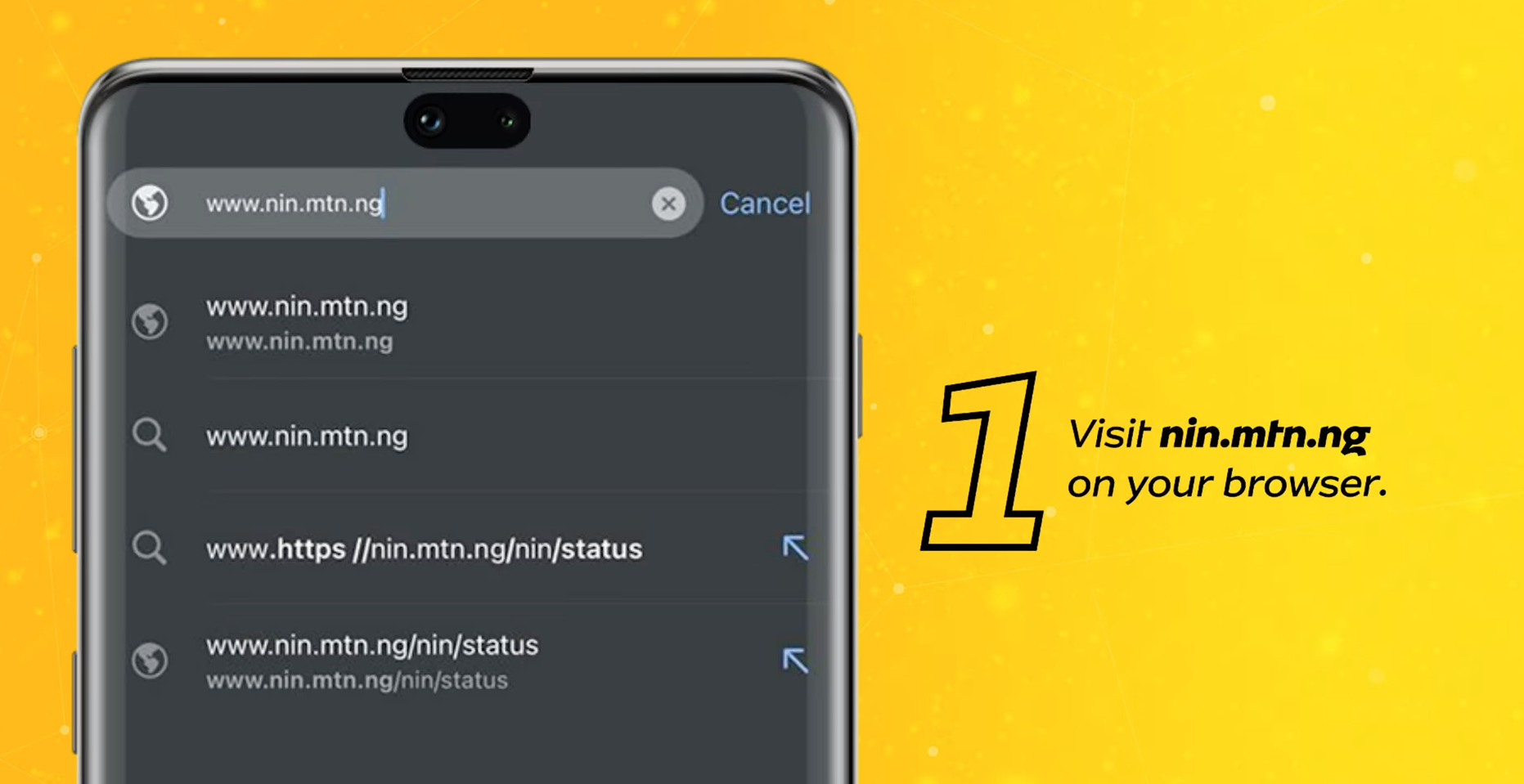
- Enter your MTN phone number
- Input your NIN
- Complete verification
- Submit
Why this works better for barred lines:
- You don’t need USSD access
- You can use Wi-Fi or another device
- It bypasses network limitations
Method 3: Using the MyMTN App (Modern Option)
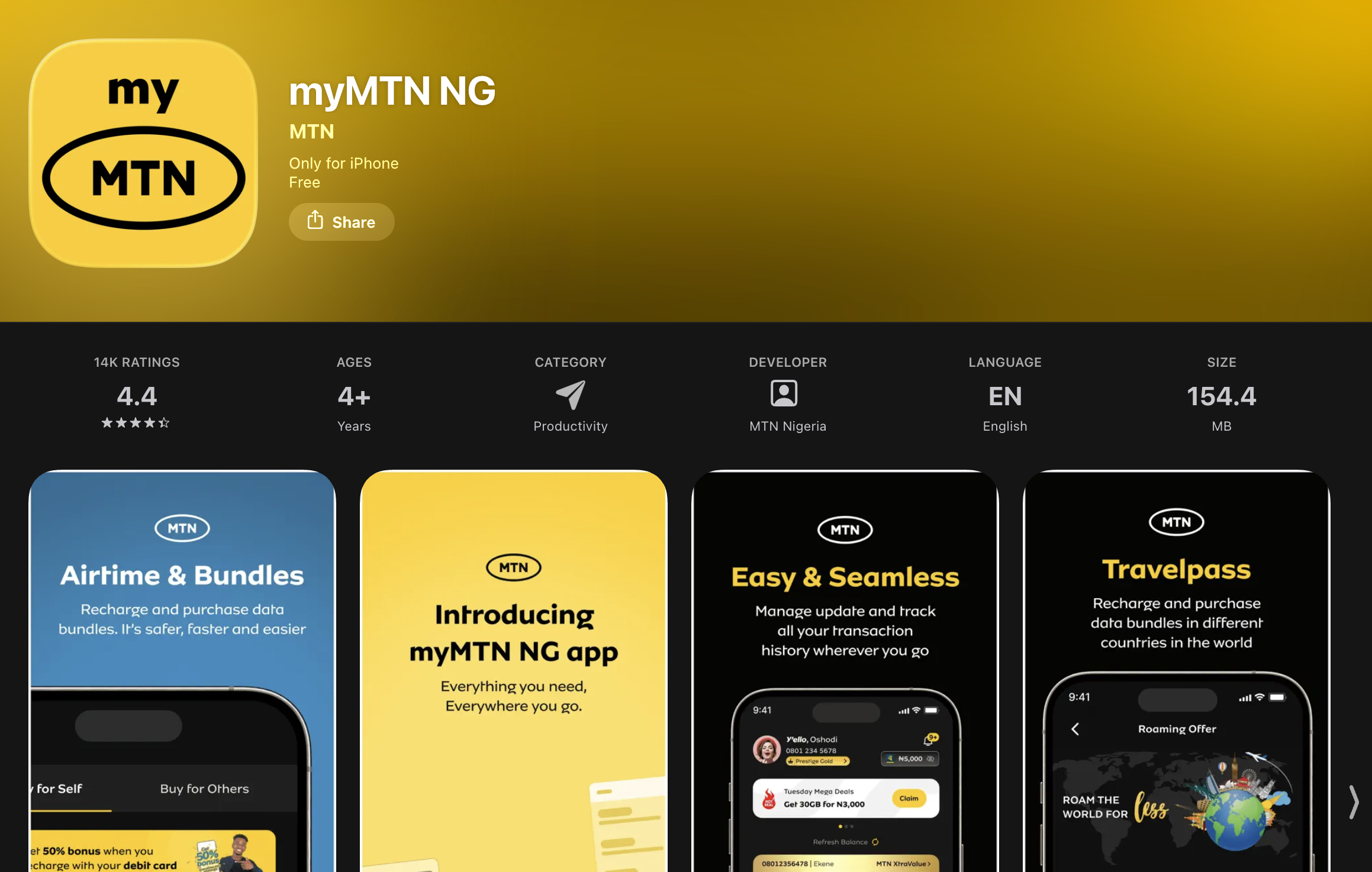
If you prefer to get things done through your apps, then the steps below are best for you:
- Download and open the MyMTN NG App
- Log in with your MTN number
- Go to Profile or security section to select ‘link NIN’
- Enter your NIN
- Submit
This option is best for smartphone users and people who manage multiple MTN services.
Method 4: Virtual NIN (VNIN) — The 2026 Standard
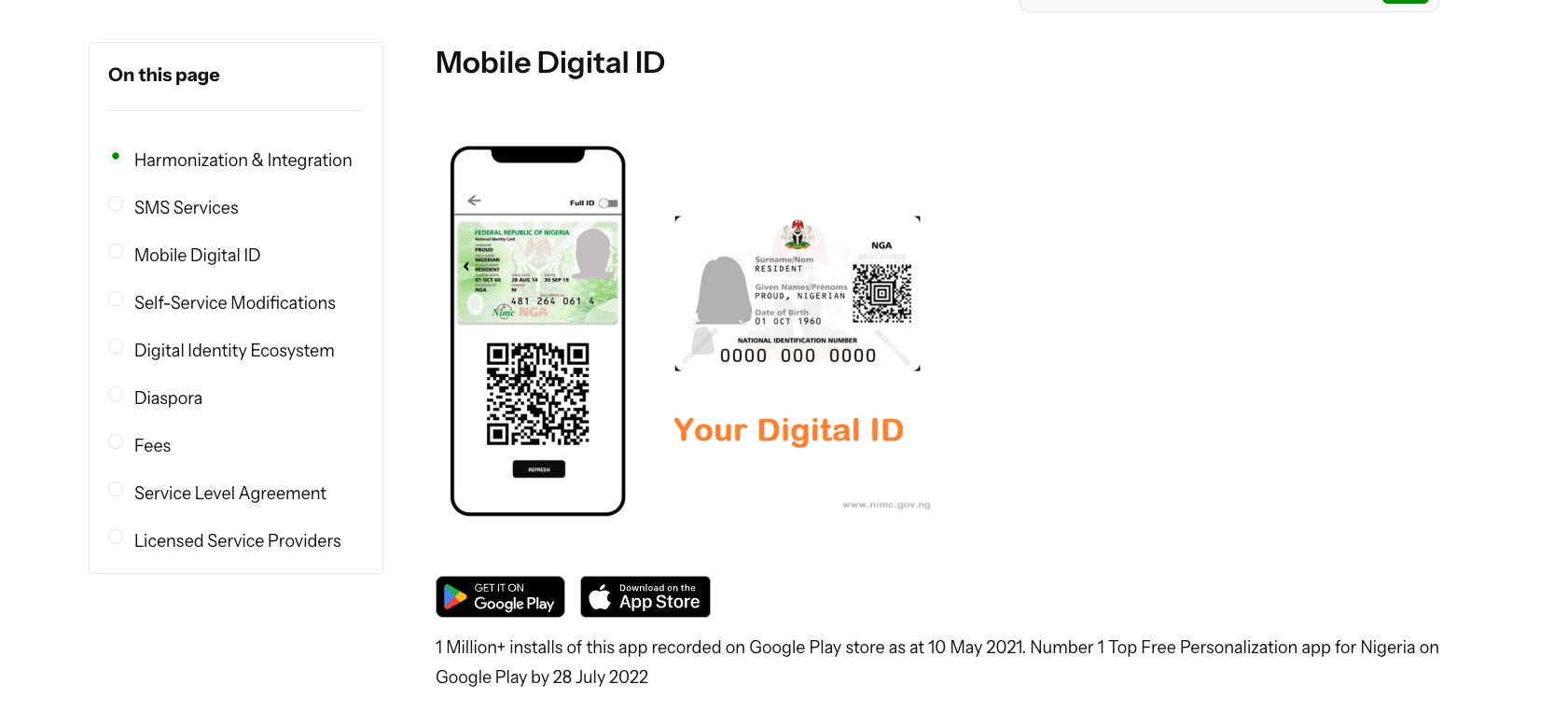
The Virtual National Identification Number (VNIN) is a tokenized, 16-character alphanumeric, and temporary version of a citizen’s actual 11-digit National Identification Number (NIN), designed by the National Identity Management Commission (NIMC) to enhance data privacy during verification.
The NIMC Mobile App (MWS Mobile ID) allows users to generate this token for specific and secure transactions such as SIM registration, banking, etc. This ensures that the verifying entity (e.g., MTN) cannot retain or misuse the original NIN. For MTN subscribers linking their NIN to a SIM card, the Enterprise Short-ID “109071” is the mandatory and specific ID used to generate a valid VNIN for MTN verification system.
How to Generate VNIN:
- Use the NIMC Mobile App or portal
- Select “Generate VNIN”
- Enter MTN Enterprise ID: 109071
- Generate your VNIN
- Use that VNIN instead of your NIN when linking
Alternatively, you can dial *346*3*YourNIN*109071#.
You might be wondering what the advantage of the VNIN is, here is why the VNIN matters:
- Protects your real NIN from exposure
- Reduces fraud risk
- Now preferred by telecom providers
Lost Your NIN? Retrieve It Instantly
If you have lost your National Identification Number (NIN) slip or forgotten the number, you can retrieve it instantly using your mobile phone. The NIMC provides a quick, self-service method using the USSD.
To do this, Dial *346# on the number you used for your NIN and then:
- Select “Retrieve NIN”
- You get charged ₦20 on your balance as service fee
- Your NIN appears instantly
This works across all major networks, including MTN Nigeria.
How to Confirm Your NIN Linkage Status
This is where most guides fail. They don’t show you how to verify if you’ve truly and successfully linked your NIN. But in this guide, we’ll leave no stone unturned. To confirm your NIN linkage status, dial *996# and then:
- Select “Check NIN Status”
- View your linkage status
What you’ll see:
- Linked Successfully: This means you’re safe and your line is linked with your NIN
- Pending Verification: This means your verification is still processing and you have to wait a few hours more.
- Not Linked: Meaning your line couldn’t be linked for different reasons and you have to try another method
How to Link NIN if Your MTN Line is Already Barred
If your line is restricted, USSD may not work. Don’t beat yourself too hard, this guide will show you a way around it. Here’s what to do:
Option 1: Use MTN Portal (Best)
- Go to nin.mtn.ng
- Submit your NIN manually
Option 2: Use Another Phone
- Insert your SIM in another device
- Try *996# again
Option 3: Visit an MTN Store
- Go to an official MTN office
- Provide your NIN and SIM
- Complete biometric validation
This is sometimes required if your data isn’t fully captured by the National Identity Management Commission.
Troubleshooting: Why Your NIN Linking is Failing
There are several reasons why your NIN linking isn’t going through successfully. Let’s fix the common issues quickly:
1. Name Mismatch
This is a common reason why linking NIN doesn’t go through. If your NIN name doesn’t match your SIM registration:
- Visit an MTN office OR
- Update your NIN details via NIMC
This is called data harmonization.
2. “Validation Failed” Error
Possible causes for this include:
- Wrong NIN submission
- NIN not yet active in NIMC database
- Network delay
Fix:
- Double-check and ensure that entered a correct NIN
- Wait 24–48 hours and retry
3. NIN Already Linked to Another Number
You can link up to 7 SIMs to one NIN. If you exceed that number, you won’t be able link any additional sim. If this is the case, then you need to visit NIMC to update records.
4. No Confirmation SMS
Don’t panic. Check status via *996# or try linking again
Frequently Asked Questions
Can I link one NIN to multiple SIMs?
Yes. You can link up to 7 SIM cards to one NIN.
How long does verification take?
It usually takes a few minutes to a few hours. In rare cases, up to 24–48 hours.
Do I need to visit an MTN office?
You need to visit an MTN office only if your biometric data is missing, your details don’t match, or in rare cases where online methods fail.
What if my line is already blocked?
In this case, you need the MTN portal or visit a physical store, because USSD may not work on barred lines.
Is NIN linking mandatory?
Yes. The Nigerian Communications Commission requires all SIMs to be linked to NIN for security and identity verification.
Conclusion (And a Smart Tip)
Linking your NIN to your MTN line in 2026 is not just about dialing a code, it’s about making sure it actually works. If one method fails, you now have backup options, troubleshooting fixes, and a way to confirm success. Follow the steps above to verify your status, and you’ll fully be in compliance with the governmental regulations regarding NIN registration within minutes.
NOTE THAT: Once your line is linked and active, the entire functionalities of your line will be actively restored. However, don’t just stop there. A lot of Nigerians end up with unused airtime, extra data, Digital assets they’re not optimizing. Instead of letting them waste, you can convert and sell them off for a quick cash in your Naira bank account instantly.
Platforms like Dtunes allow you to trade airtime for cash, manage digital assets securely and get real-time value from what you already have